Pocket PC Forensic Tool
$79 |
|
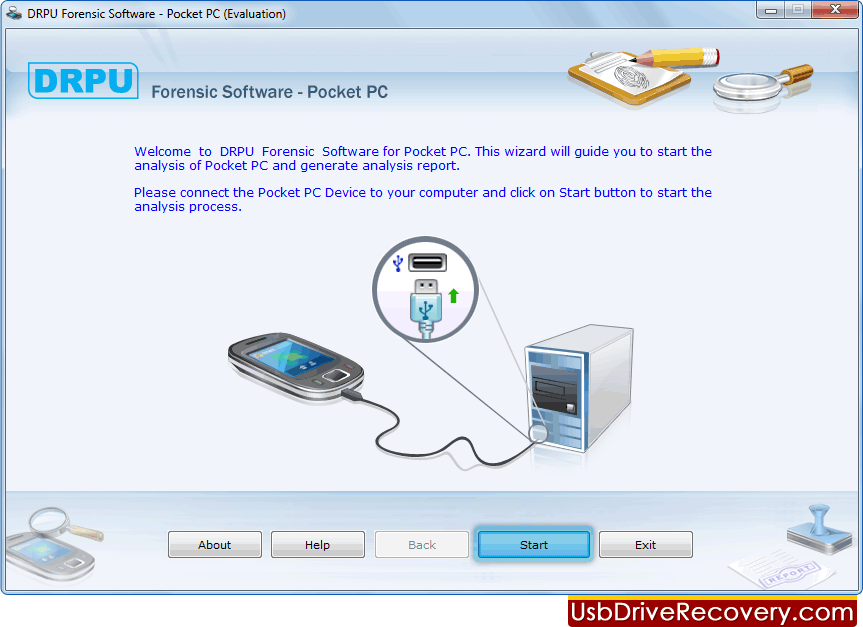
| Pocket PC Forensic Tool designed to extract all information of your Pocket PC, PDA, Smart phone devices. Software shows all hardware and software details including mobile model number, manufacturer name, serial number (IMEI), subscriber number, files records, operating system registry records, database and other phone information. Software for Pocket PC users similarly shows general details like phone book contact numbers, appointment and task details. |
|
| |
» Software Features:
- Analyze and extract detailed information of Pocket PC mobile cell phone.
- Shows files, operating system registry, database records and phone information of your Smartphone or PDA devices.
- Support major Pocket PC and PDA mobile brands including HTC, iPhone, Asus, HP etc.
- Shows phonebook directory, model number with manufacturer name, IMEI number and subscriber number.
- Save all recovered information in HTML or TEXT file formats.
- Useful tool during investigation and forensic research.
|
Please Remember:
Please check which operating system is running on your PC and choose the appropriate options following below:
- If your PC is running on Windows Vista, your synchronization settings will be managed through the Windows Mobile Device Center.
- If your PC is running on Windows XP (or earlier) your synchronization settings will be managed through Microsoft ActiveSync.
|
|
|